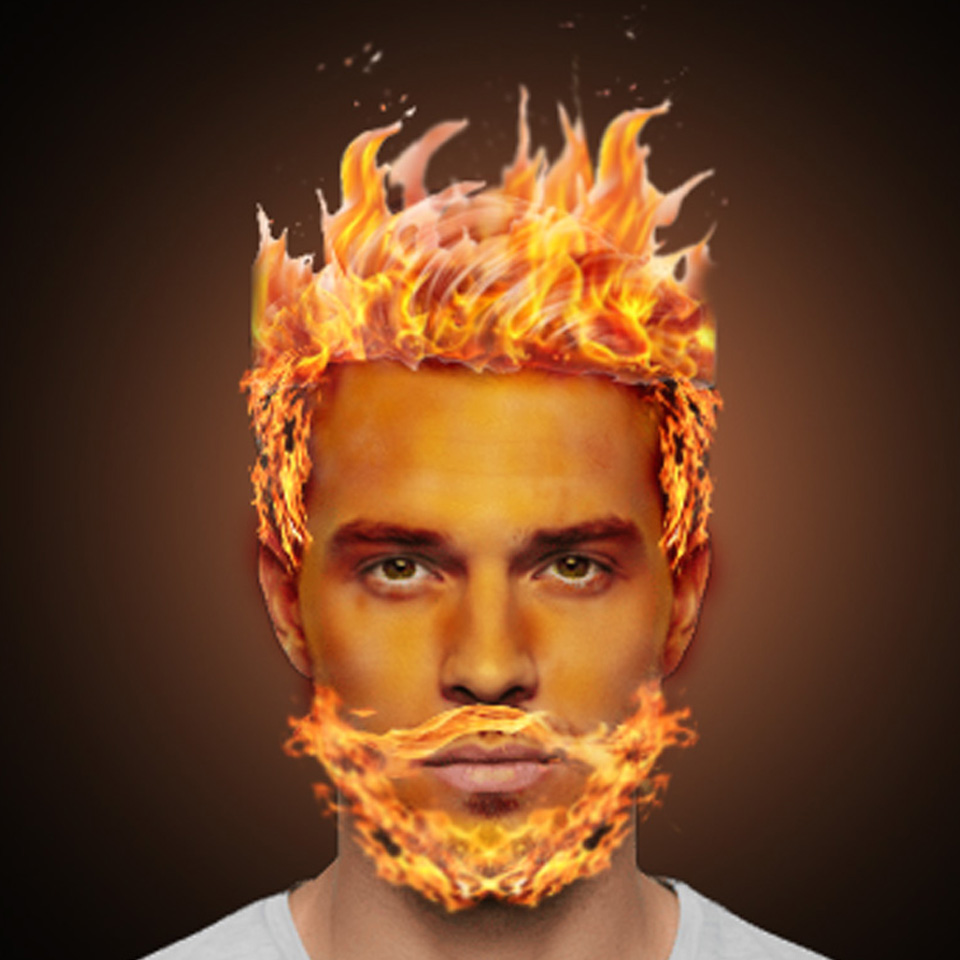
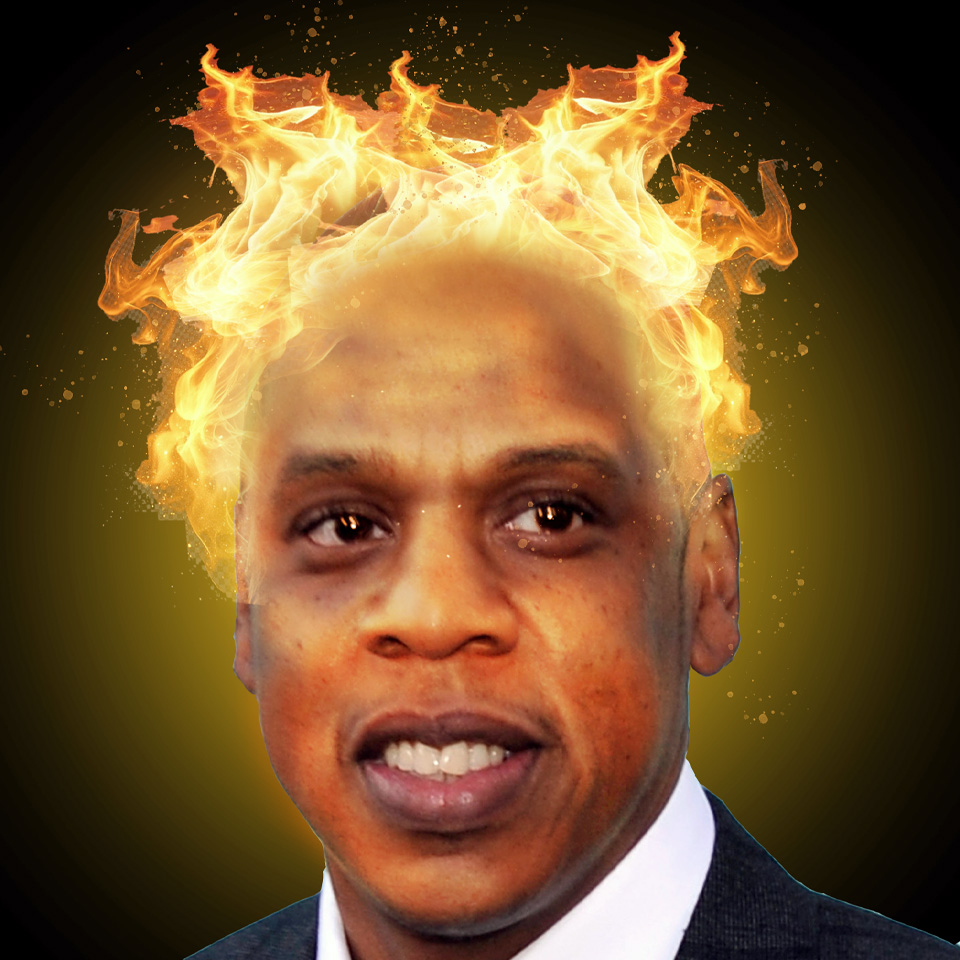
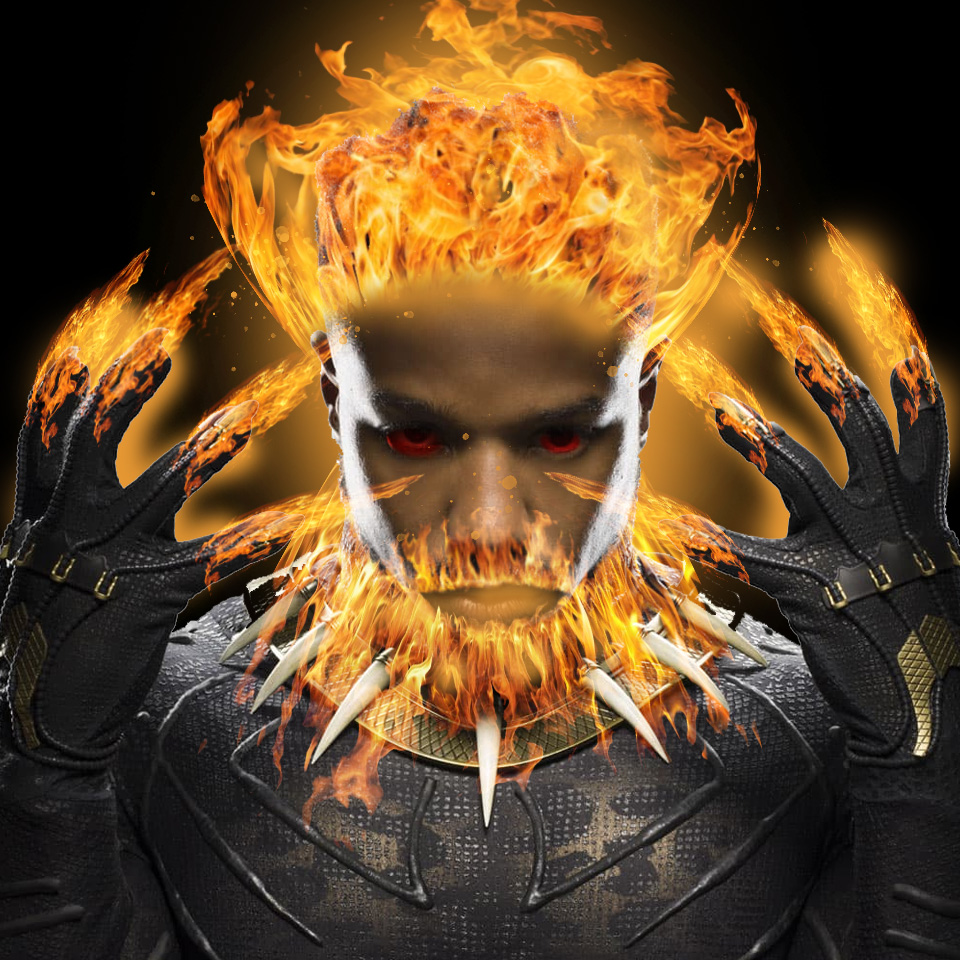
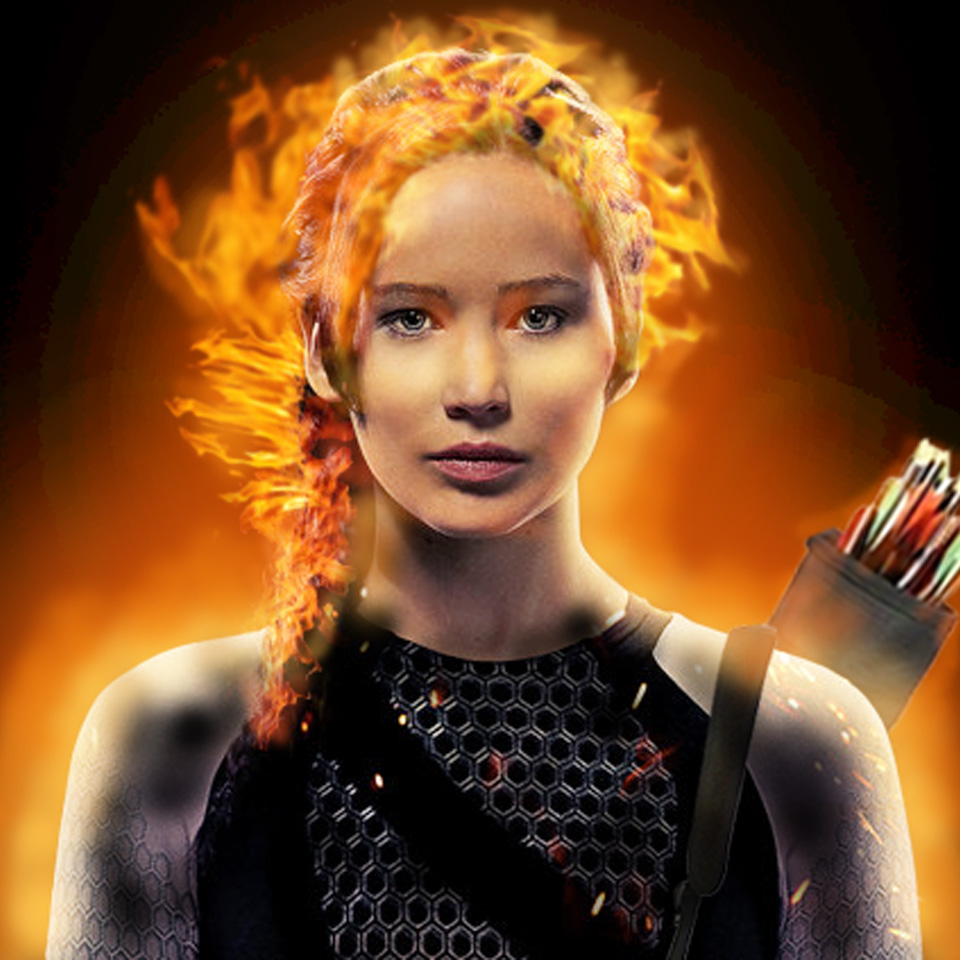
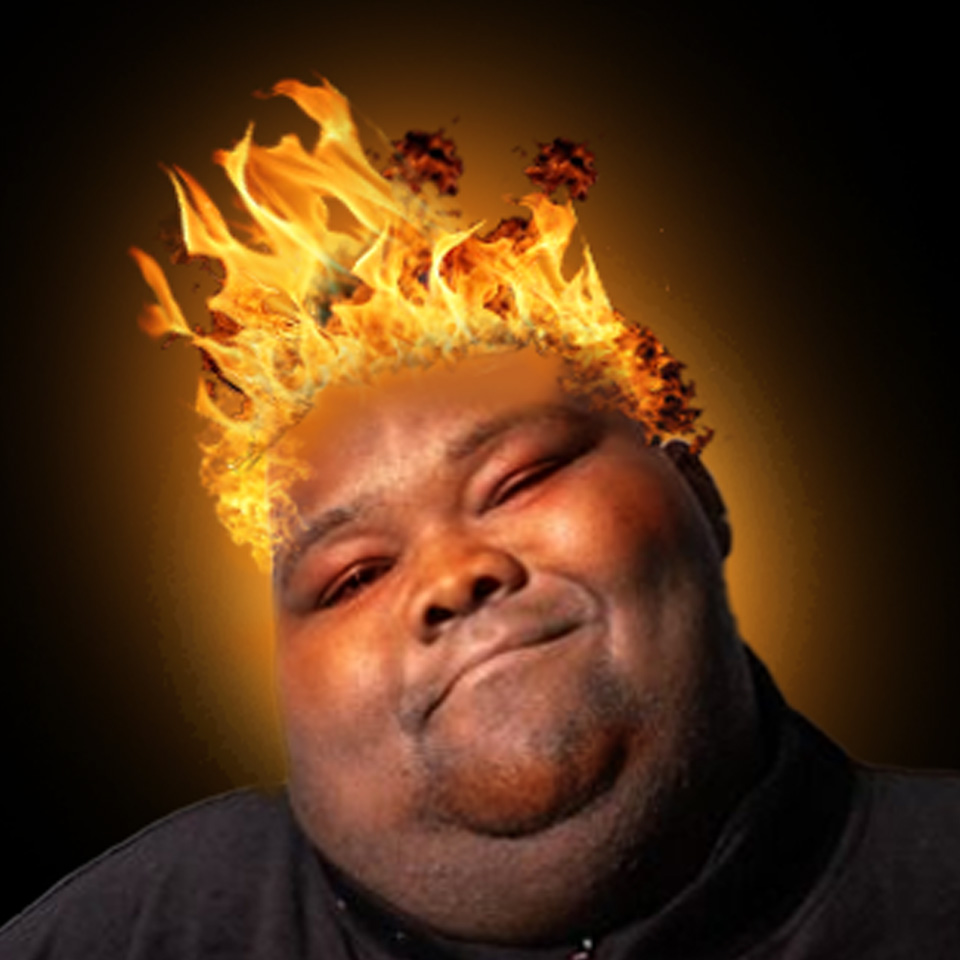
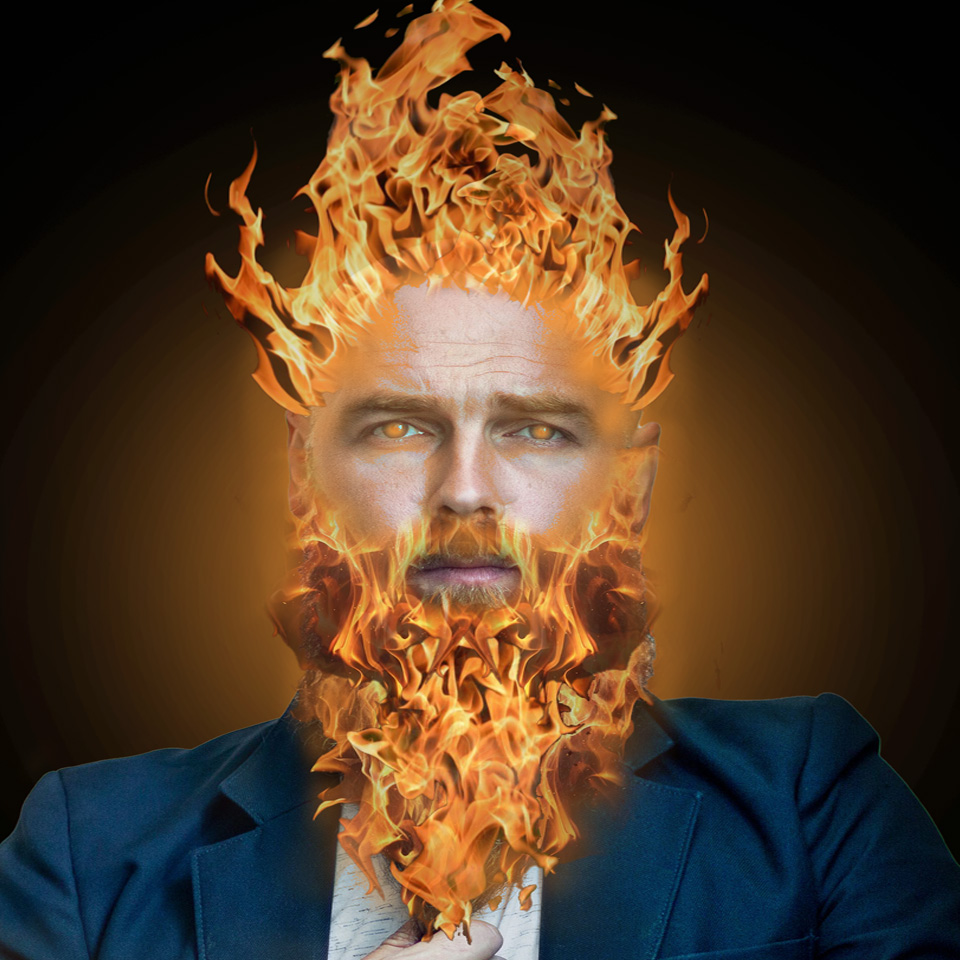
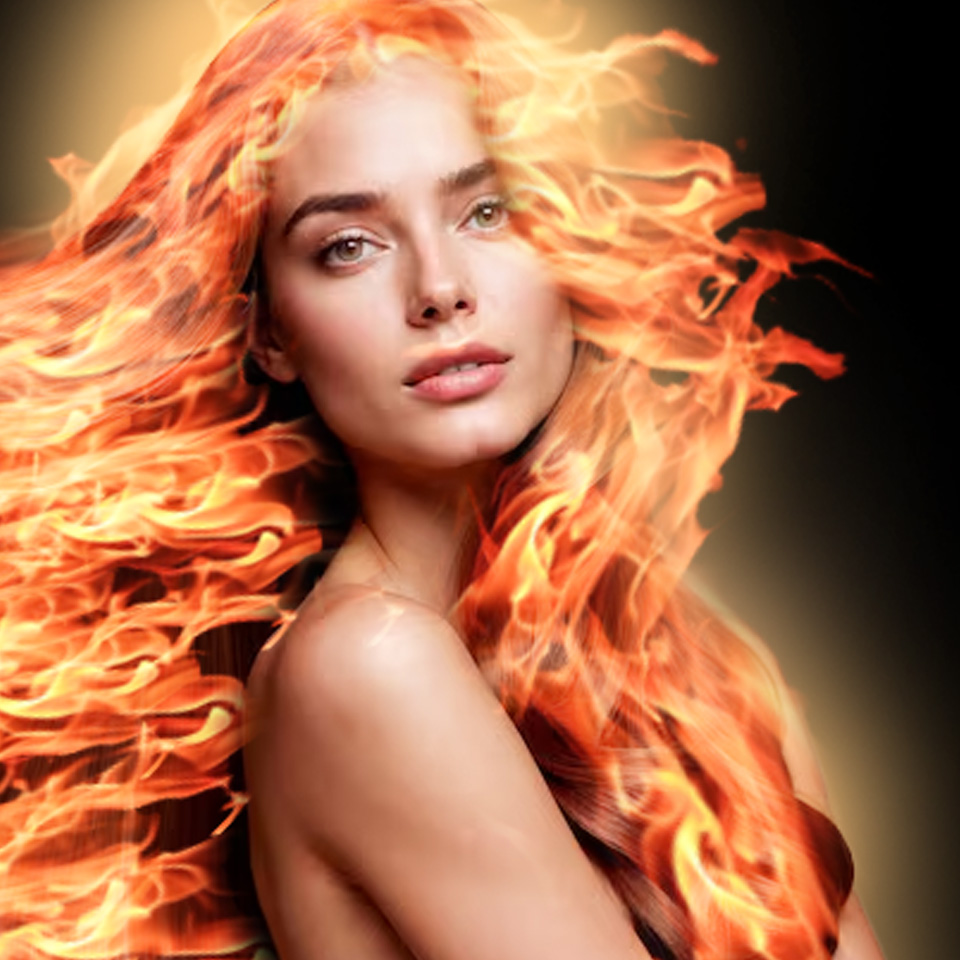
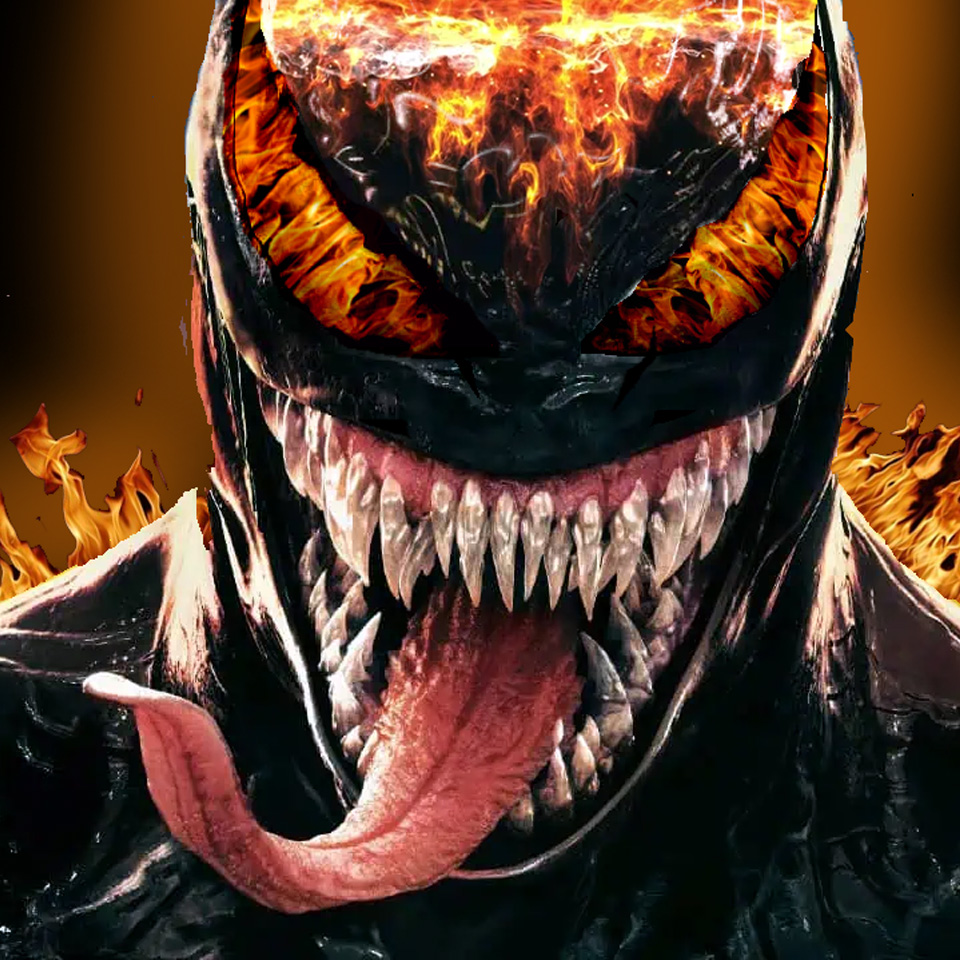
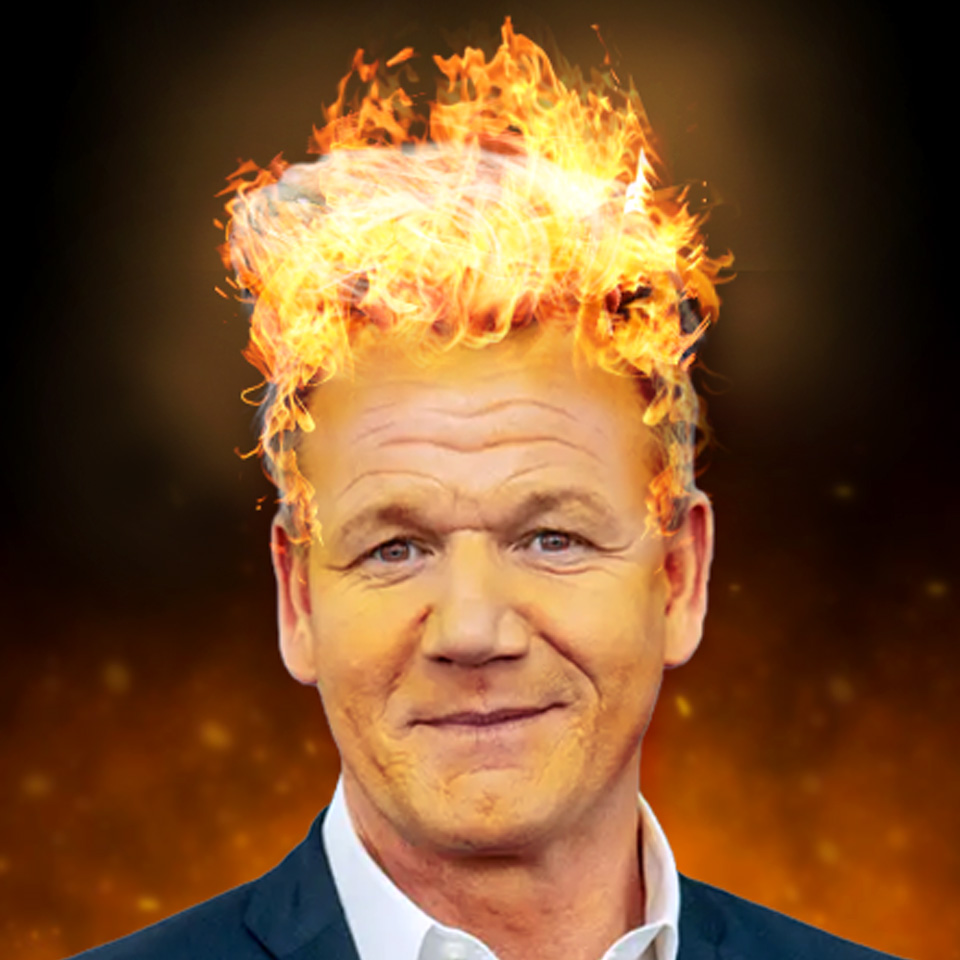
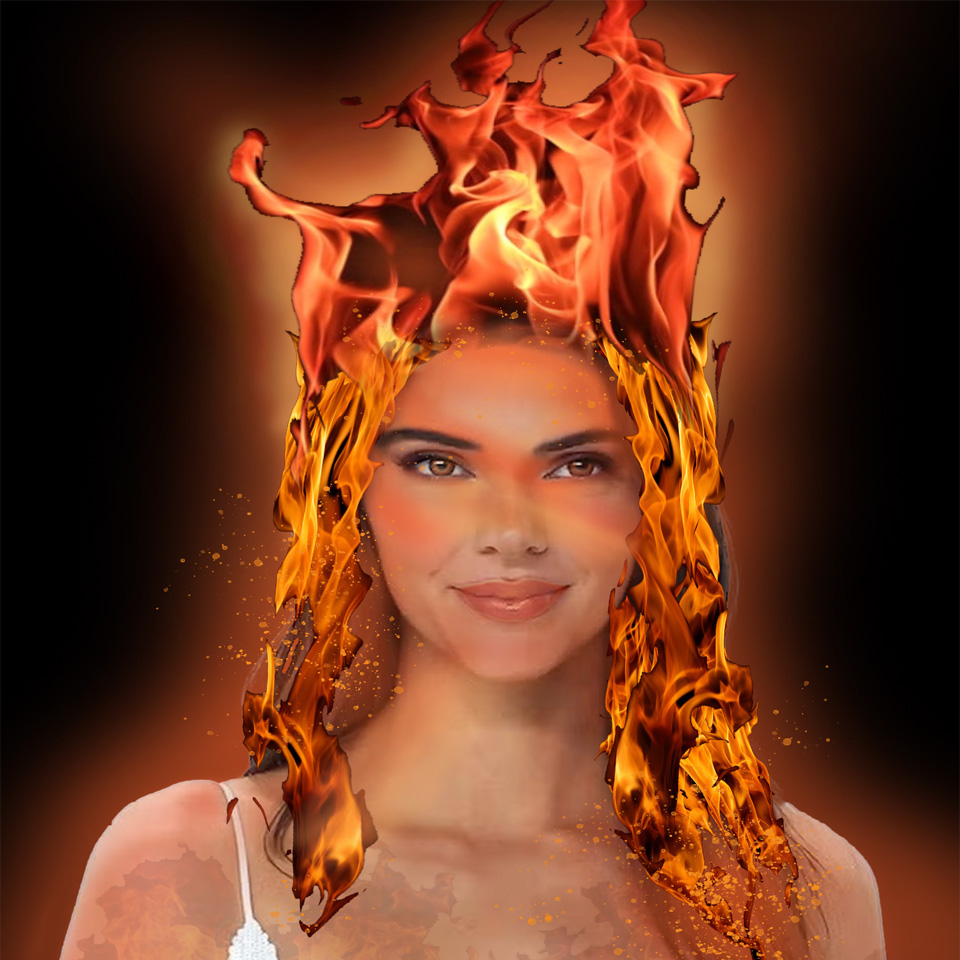
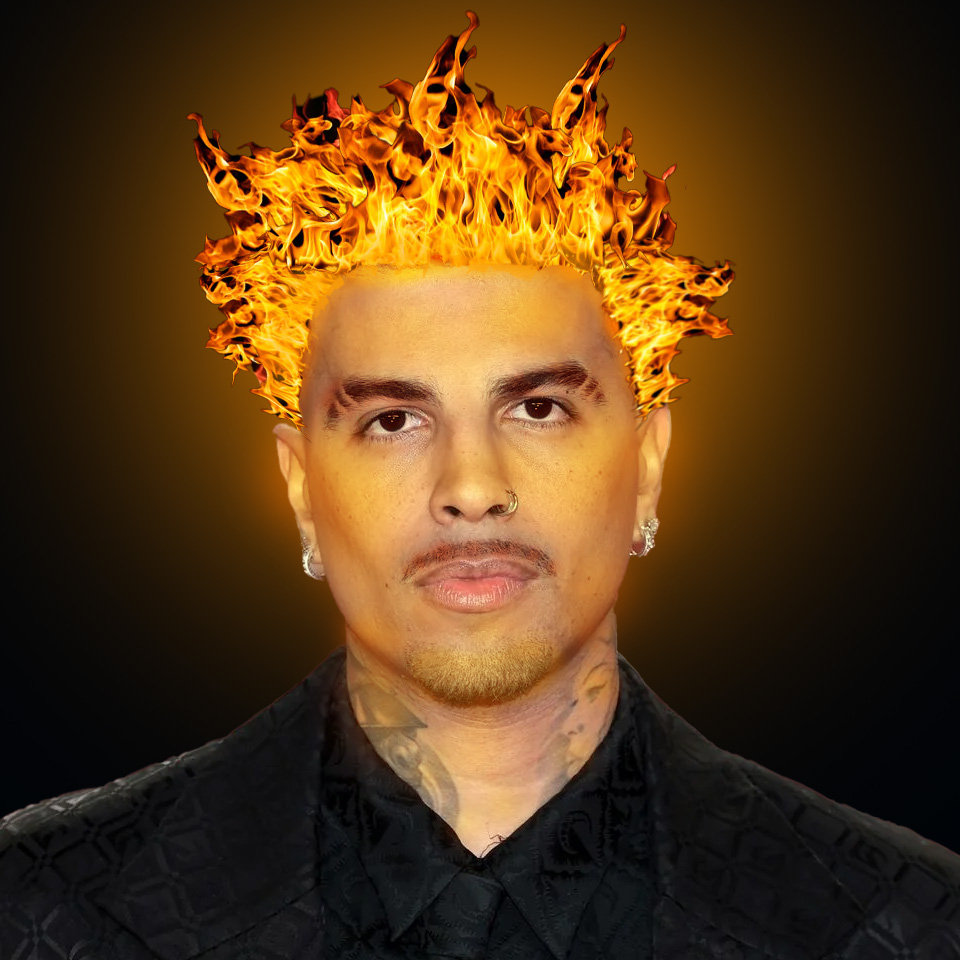
Design a Fire Portrait of your favorite celebrity or person in Adobe Photoshop! Learn to remove the background of an image and use the Magic Wand Tool, Layers, Layer Screens, Brushes, & Brush Opacity/Intensity in Adobe Photoshop to transform hair into fire. Please add personality to this image by making use of anything you learned in previous lessons to create something fantastic.
Note: Please view the tutorial on creating a Fire Portrait & Save your work to your Fire Portrait Project Sub Folder in the Graphic Design Portfolio folder. Make sure to get creative and have fun on this Fire Portrait Project.